
This is the first of a new (hopefully) weekly series where I’m going to highlight a photo that I’ve retouched and show the before and after versions. Any comments or opinions would be appreciated.
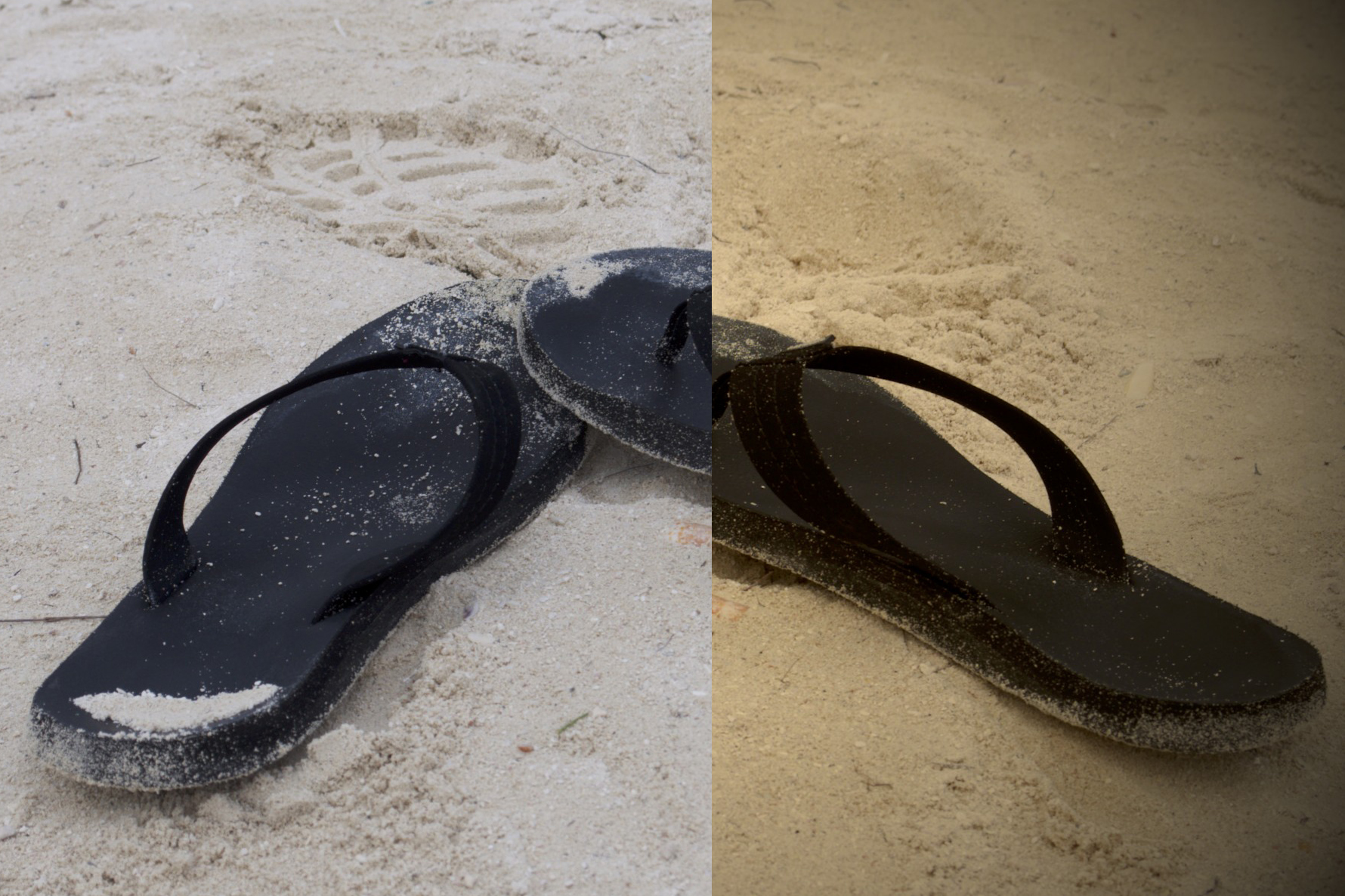
Original:
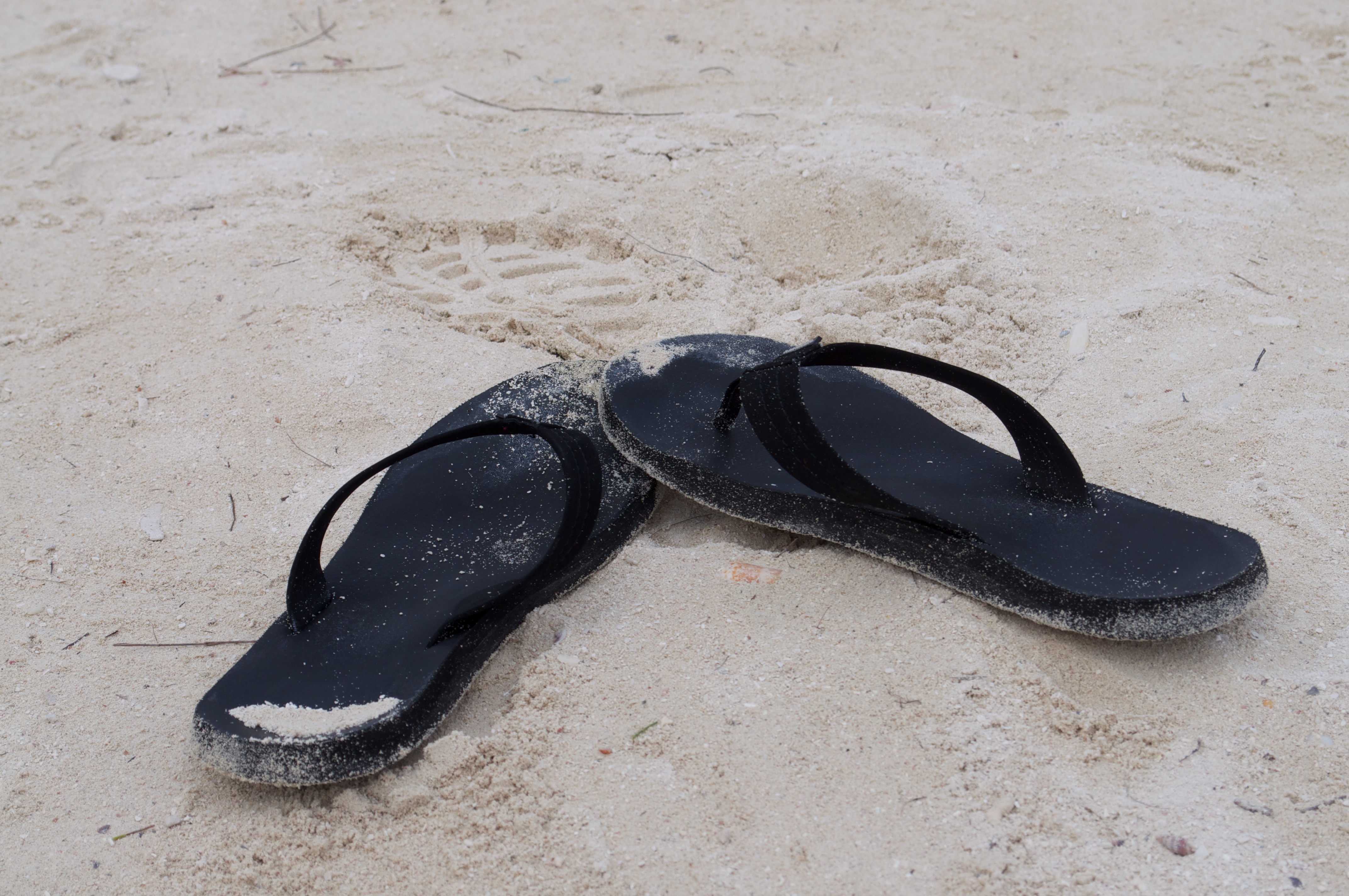
Edited:
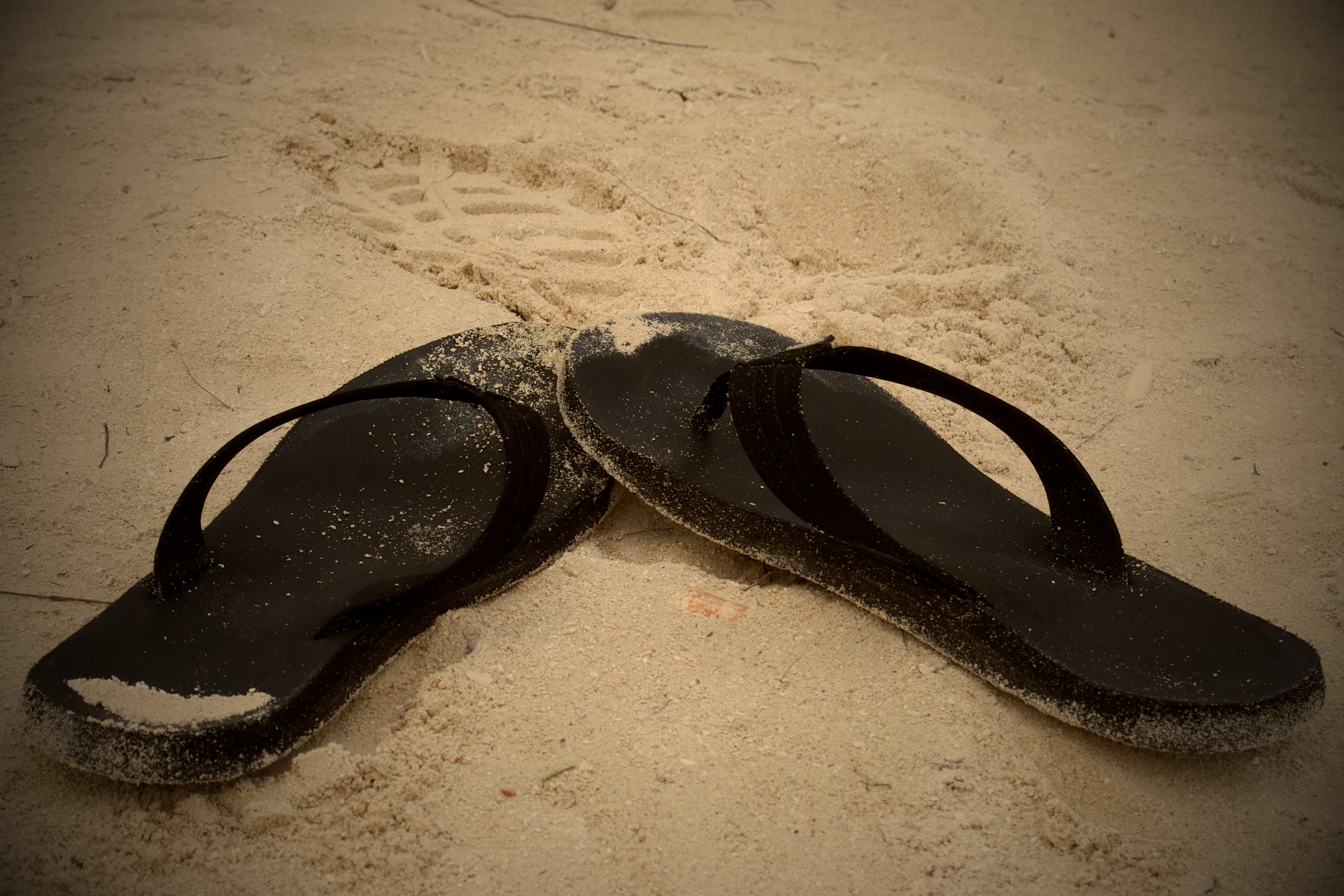
And here are the edits I applied to the photo in order:
1. Rotated the image slightly and cropped in a bit.
2. Adjusted the white balance to warm it.
3. Increased the contrast just a tad and increased vibrancy a lot.
4. Applied a vignette around the edges with a large radius and large intensity.
5. Sharpened since it was a raw image.
 The Wandering Engineer